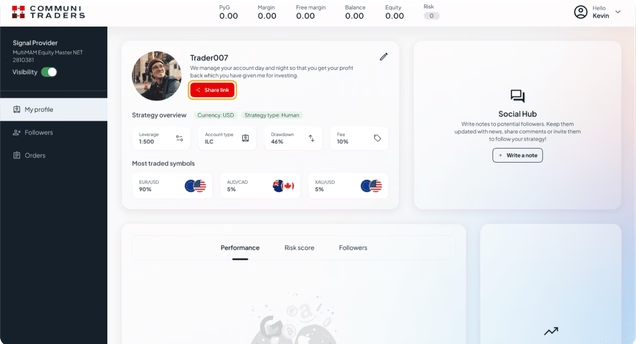
Step by step guide to become a Signal Provider
Register here as a Signal provider
Enter your MetaTrader account number
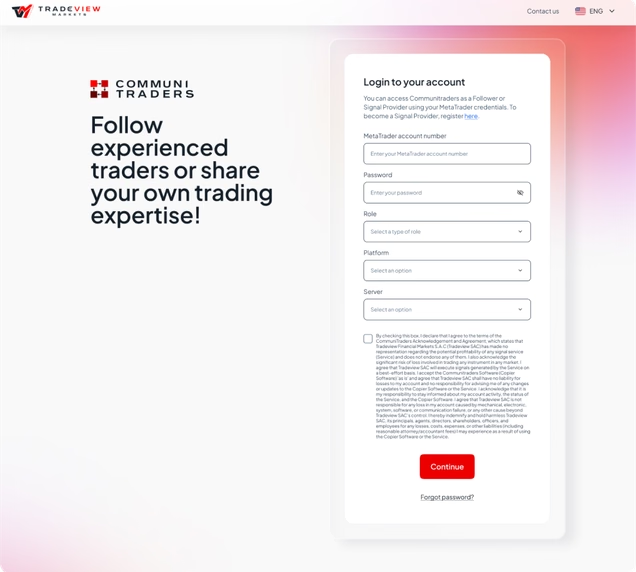
Type your MetaTrader account password
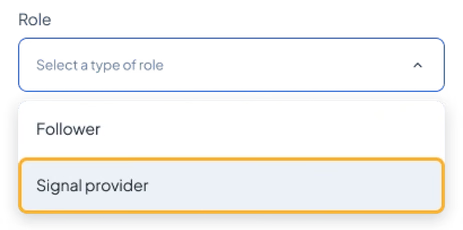
Select ‘Signal Provider’ in the Type of role field
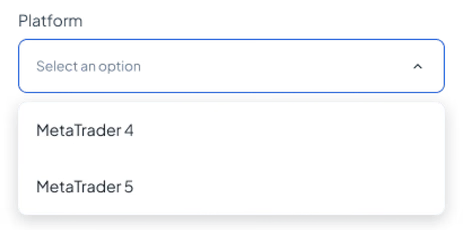
Choose the platform of the account number you typed
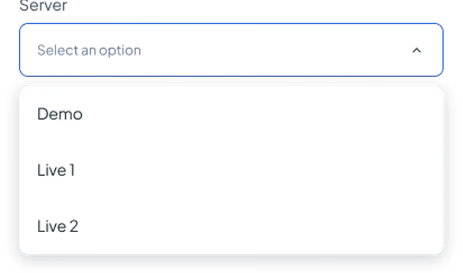
Select a server
Read the CommuniTraders Terms and Conditions. If you agree, mark the check box

Press ‘Continue’
Follow the steps to set up your strategy’s profile
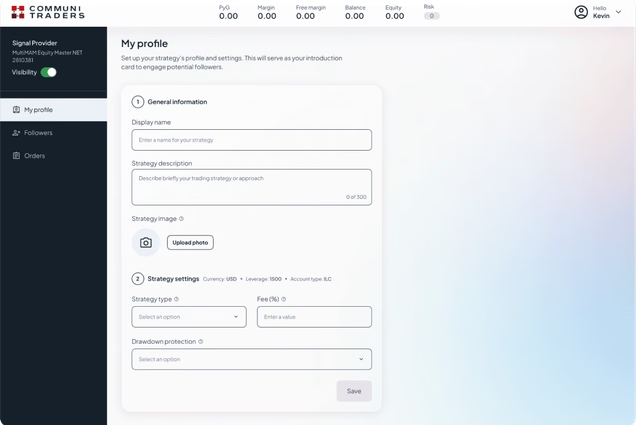
Once you’ve completed the setup you can share your link with your clients to invite them to follow your strategy!